· Luis Moreno · business · 6 min read
Audit your business on Google in 2 minutes: what to check from your phone
Do the audit of your business on Google yourself in 2 minutes from your phone: reviews, listing photos, website speed and Instagram. No need to hire anyone.
Look.
Everyone offers a free audit.
SEO audit.
Ads audit.
Website audit.
And almost nobody shows you the only one a real customer does.
The one that takes two minutes.
With a phone in hand.
Your future customer doesn’t open a report.
They search for your business on Google.
Look at the rating.
Look at the photos.
Tap the website.
And decide.
All of that before you know they existed.
So today you’re not going to hire anyone.
You’re going to do the same as they do.
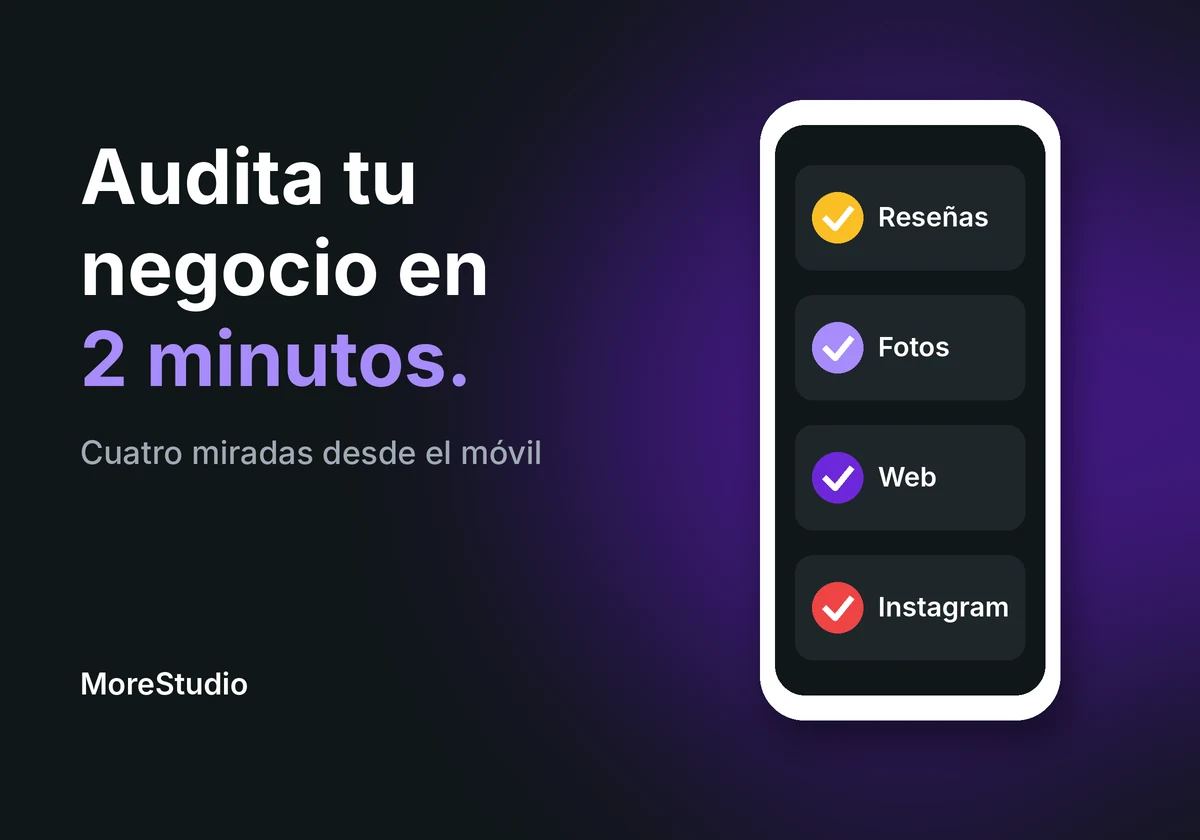
Four looks.
Two minutes.
And a decision at the end.
Short answer: how do I review my business on Google in two minutes?
Search for your business from your phone, as a stranger would.
Look at four things.
The reviews: rating, number and whether you reply.
The photos on your listing: that they’re real and current.
Your website: that it loads fast.
And your Instagram: that it looks alive.
Then pick one single thing to fix this week.
Before you start: search for your business as a stranger would
Why you must do it from your phone and not through your own links
Pick up your phone.
Open Google.
Type your business name.
Then type what you do and the area.
For example: “physiotherapist San Vicente”.
It’s an example, not a real case.
Don’t come in from your bookmarks.
Don’t come in from your Instagram.
Come in the way someone who doesn’t know you would.
And see what comes up.
There’s your first snapshot.
What they see is what there is.
It’s like walking past your own premises without knowing it’s yours.
With a customer’s eyes.
Look 1. Reviews: rating, number and what you’ve replied to
What a stranger looks at in the reviews before calling you
Open your listing.
Look at the rating.
Look at how many reviews there are.
And go into the latest ones.
Not to read the good stuff.
To see three things.
- Are the most recent ones from this year or from long ago?
- Is there a bad one unanswered?
- Do your replies sound like a person or a template?
A bad one with no reply says something.
A bad one well answered says something else.
And to reply you need a verified listing.
Google’s help says so.
If there’s no reply button, there’s your first problem.
And if you only have two or three reviews, another.
But that’s fixed by asking for them properly.
No gifts.
No pressure.
Here it is: how to ask for Google reviews without tricks.
And here, what to do with the bad ones: how to respond to a negative Google review.
Look 2. Listing photos: does this look like what’s really there?
Which photos people expect to see and what Google says they must meet
Now the photos.
Tap the photos tab on your listing.
And ask yourself a question.
Is this what I’ll find if I go in?
Google asks for the photo to represent reality.
In focus.
Well lit.
Without excessive filters.
Look at the technical detail too.
Photos in JPG or PNG.
Between 10 kB and 5 MB.
Recommended resolution of 720 by 720 pixels.
And if you upload video, up to 30 seconds and 75 MB.
Careful.
Photos and videos can take between 24 and 48 hours to show.
So don’t upload them on Friday at 10 pm expecting them to be there today.
The three photos most often missing from a listing
- The façade, so people can find you.
- The interior, so they can imagine themselves inside.
- The person who serves.
The third is almost never there.
And it’s the one that reassures most.
Because you see a face.
A business with a blurry façade and no people.
Looks closed.
Even if it’s open.
And if the same happens on your website, with stock photos, read why your customers don’t see stock photos.
If you want to see everything to check on your listing, there’s the Google Business Profile guide for businesses.
Look 3. The website from your phone: does it load or does it sit thinking?
How to measure your website’s speed without knowing anything about computing
Now the website.
Tap the link on your listing.
Count.
One, two, three.
Has it loaded yet?
Does the text jump when you try to tap?
Does it respond well to touch?
And if you want numbers, there’s a Google tool that measures it.
It’s called PageSpeed Insights.
You paste your address.
And it gives you results for mobile and desktop.
Three metrics appear there.
With these thresholds, according to Google.
- LCP, how long the main content takes to appear: 2.5 seconds or less.
- INP, how long it takes to respond when you tap: 200 milliseconds or less.
- CLS, how much the content moves while loading: 0.1 or less.
If you pass all three, good.
If not, you know where to look.
Why a slow website costs more than an ugly one
An ugly website is forgiven.
One that doesn’t load isn’t.
The customer taps.
Waits.
And goes back to Google.
To the next one.
And you never find out.
It’s like a door that sticks.
It may be beautiful.
If it doesn’t open, nobody comes in.
Look 4. Your latest Instagram post: is the account alive?
What someone looks at when they come to your profile from the listing
Last look.
Open your Instagram.
Not the feed.
The profile.
Look at the date of the last post.
If it’s from months ago.
That person thinks one thing.
Closed.
Or abandoned.
There’s nothing wrong with not posting daily.
There’s a lot wrong with looking stopped.
Also check that the opening hours, phone and address are the same as on Google.
If the listing says one thing and Instagram another.
The customer doesn’t know which to believe.
And when they don’t know, they don’t take the risk.
If you’re short of what to post, see what to post on Instagram when you have no time.
And now the decision: fix just one thing
Why one concrete improvement is worth more than a list of twenty
You’ve done the four looks.
You’ve surely found more than one thing.
Don’t fix them all.
Pick the one that hurts most.
Ask yourself which of the four does the most harm to someone seeing you for the first time.
A bad review with no reply.
A photo that isn’t yours.
A website that sticks.
A stalled Instagram.
That one.
Only that one.
This week.
And next week, the next.
Twenty things at once is a list.
One thing at a time is a change.
Common questions
How often should I do this review?
Every three months is reasonable.
And whenever you change something important: opening hours, premises, menu, team.
It takes two minutes.
And saves you the shock of hearing it from a customer.
Do I have to hire someone to do it?
No.
You do the four looks yourself.
Hiring makes sense when you already know what’s failing and you don’t have the time or inclination to fix it.
But knowing beforehand protects you.
You know what to ask for.
And you know whether they promise you something and don’t deliver.
What if my rating is bad and I don’t know what to do?
First, don’t panic.
A low rating with few reviews moves with new reviews asked for with a method.
And a bad review, well answered, also counts.
What doesn’t help is paying someone to “clean” your listing.
Whoever decides what is removed is Google.
And only if it breaks its policy.
Quick summary
- Search for your business from your phone, as a stranger.
- Reviews: rating, number and replies.
- Photos: real and current, with Google’s official help in front of you.
- Website: that it loads fast. Try PageSpeed Insights.
- Instagram: that it looks alive.
- Pick a single improvement. Do it this week.
If you’d like me to look at it with you.
Tell me what business you have.
And what’s the first thing that made you blush when doing the four looks.
I’ll tell you which one I’d fix first.
Sources
- Google Business Profile help, photos and videos: https://support.google.com/business/answer/6103862?hl=en (accessed 02/11/2026).
- Google Business Profile help, replying to reviews: https://support.google.com/business/answer/3474050?hl=en (accessed 02/11/2026).
- web.dev, Core Web Vitals, thresholds (page updated 31/10/2024): https://web.dev/articles/vitals (accessed 02/11/2026).
- PageSpeed Insights documentation: https://developers.google.com/speed/docs/insights/v5/about (accessed 02/11/2026).
PS: Let’s go.