· Luis Moreno · business · 6 min read
How to ask for Google reviews without having them removed (and without feeling awkward)
When to ask for Google reviews, what message to send, how to use the link or QR code and what not to do so your ratings aren't removed.
Look.
Most businesses don’t have a reviews problem.
They have a problem asking for them.
They do good work.
The customer leaves happy.
Thanks you.
And that’s it.
Nobody writes anything.
And meanwhile, the business next door has 80 stars you don’t have.
Careful.
It’s not that they’re better.
It’s that they ask.
So here’s how to do it.
When, how and with what message.
And what you can’t do if you don’t want Google to remove them.
How to ask for Google reviews, in short
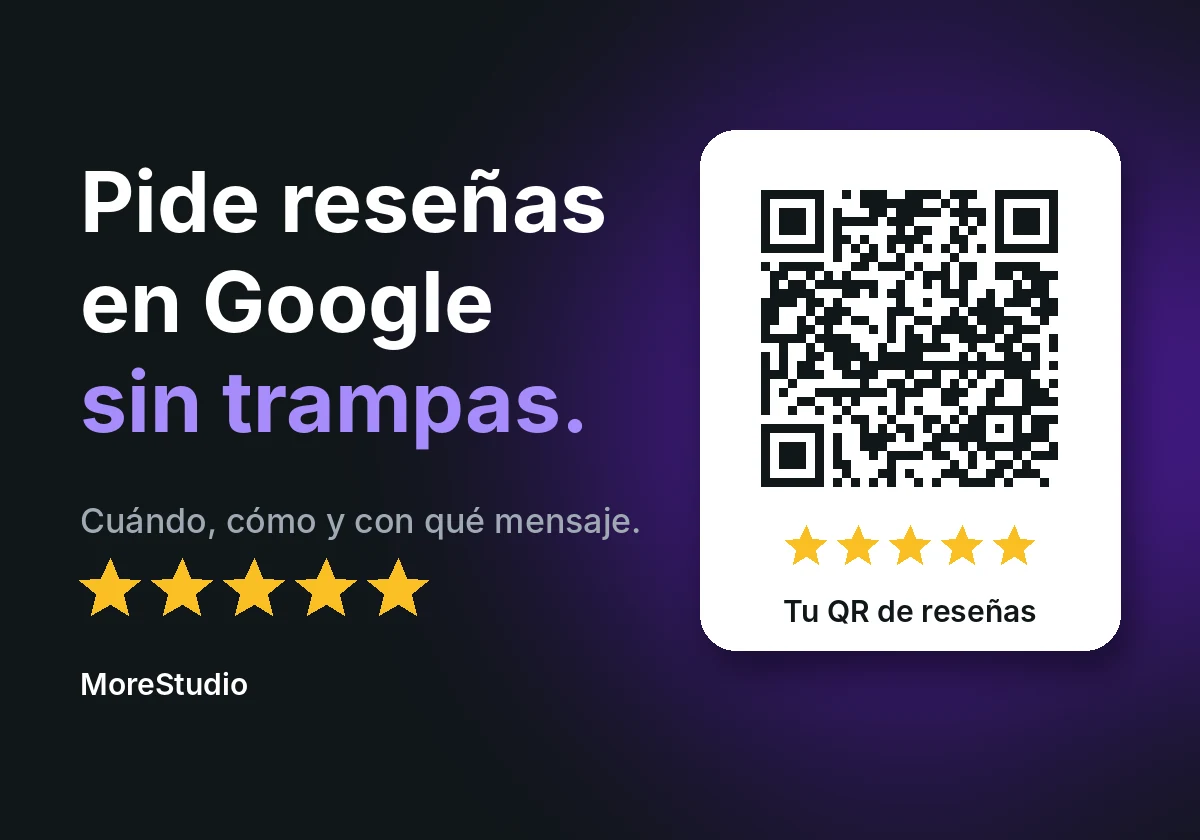
You ask when you hand over the work, with the link or QR code Google generates from your profile.
The message is short, with no discounts or gifts.
You ask every customer, not just the happy ones.
And you don’t tell the customer what to write.
Otherwise, Google can remove the reviews and restrict your profile.
Now, calmly.
Why reviews decide before your website does
Someone searching on Google reads your stars before calling you
Someone looks for a service nearby.
Opens Google.
Sees three profiles.
Compares stars.
And calls the one that gives them the most confidence.
They don’t go into your website.
They don’t look at your Instagram.
Your reviews are the only thing they see from other customers.
Look at a pizzeria in Rome, Ristorante Pizza Forum Roma.
32,236 reviews.
A 4.7.
(Data from its Google Maps profile, accessed on 2 November 2026.)
Nobody asks whether it’s trustworthy.
Now think about walking into an empty restaurant.
It might be excellent.
But nobody wants to be the first to risk it.
A happy customer doesn’t leave a review on their own
Think about it.
How many times have you left a place delighted?
And how many times have you written a review?
Exactly.
Being happy isn’t a reason to sit down and write.
Being asked is.
Step 1. Ask at the right moment
When to ask: on delivery, not three weeks later
The best moment is when the customer has just seen the result.
When they’re happy.
When they remember you.
A week later they’ve forgotten.
A month later, they don’t even remember you.
So decide what that moment is in your business.
The handover of the work.
The payment.
The “all OK” message.
Just one.
Always the same.
Who asks: you, not an employee with a quota
Ask yourself, or whoever deals with the customer.
Naturally.
Without pressure.
And without setting anyone a weekly review quota.
Google doesn’t want that.
Asking your team to get a number of reviews a week is exactly what it prohibits.
Step 2. A link or a QR code, not a “find us on Google”
How to get the direct link from your profile
“Find us on Google and leave us a review” doesn’t work.
It’s five steps.
And the customer gets lost at the third.
Google gives you a direct link.
And a QR code.
You create them from your business profile.
One thing.
For now you generate the QR from a computer.
You can’t from a phone, Google says.
So do it calmly once.
And use it always.
Where to put it so it’s actually used
Google suggests several places.
- Receipts.
- A thank-you email.
- The end of a chat or a WhatsApp message.
- A QR printed in the shop.
Pick one or two.
Not ten.
The best is the one the customer sees right when they’re happy.
Step 3. The message: short, yours and with no conditions
A WhatsApp message you can copy and adapt
This.
“Hello, [name]. Thank you for trusting us. If you liked how it went, a Google review would help us a lot. It takes two minutes: [link]. Thanks again.”
The end.
No discounts.
No “if you give us five stars”.
No dictating what to write.
Whoever reviews is already a customer.
They don’t need a prize to write it.
What you can’t do (even if an agency offers it to you)
Giving something in exchange for a review
A discount.
A coffee.
A free photo.
A prize draw.
Nothing.
For Google that is fake engagement.
It doesn’t matter whether the review is good or bad.
And if it detects it, there’s no telling-off.
It removes those reviews.
And it can go further.
Your profile unable to receive new reviews for a while.
The ones you already have, hidden.
Or a notice for anyone looking at you.
Telling them fake reviews have been removed.
Asking only the happy ones
Almost everyone falls here.
“I only ask the ones I know will rate me well.”
It seems common sense.
But choosing who you ask is what Google calls selective solicitation.
And it doesn’t allow that either.
Ask everyone.
Always the same way.
And let the work speak.
Telling them what to write
“Mention Laura, who looked after you.”
“Say we’re the best.”
That is steering the review.
And that isn’t allowed either.
You ask for the opinion.
The rest is theirs.
Step 4. Reply to all of them
Every review, a reply.
Short.
With your name.
Not a template.
And the bad ones too.
Someone comparing you sees that.
For the bad ones you have how to respond to a negative Google review, with templates to adapt.
And if you want to see the rest of the profile, start with the Google Business Profile guide for businesses or the 2-minute Google audit of your business.
Common questions
How do you ask customers for Google reviews?
With the direct link or QR code Google gives you from your business profile.
You send them at the time of delivery, by email, by WhatsApp or printed in the shop.
With no gifts and without telling the customer what to write.
Can you offer a discount in exchange for a review?
No.
Neither discounts nor free products.
Google considers it fake engagement.
What if they leave me a bad review?
It happens.
You don’t have to delete it or hide it.
Reply calmly.
Explain what you’ll do.
Whoever reads a bad review that’s well answered sees how you react when something goes wrong.
And that convinces more than five stars without a word.
Can I ask family and friends?
Better not.
Google gives family as an example of a possible conflict of interest.
A review from your brother-in-law isn’t a review from a customer.
And Google knows it.
How many reviews do I need?
There’s no magic number.
What there is is a rule.
Better a few real, steady ones.
Than a lot all at once.
Where Google says it
Everything I tell you about policies comes from Google’s official help (accessed on 2 November 2026).
- Tips to get more reviews
- Create a link or QR code to ask for reviews
- User-generated content policy: reviews
- Business Profile restrictions for policy violations
Google doesn’t show an update date on those pages.
If time passes, check them.
Quick summary
- Decide on a fixed moment to ask.
- Use the link or QR code from your profile.
- Send a short message, with no incentives.
- Ask everyone, not just the happy ones.
- Don’t steer what they write.
- Reply to all of them.
Do that for a quarter.
And then tell me.
If you’d like us to review it together, message me on WhatsApp.
Tell me what business you have and how you ask for reviews now.
And I’ll tell you what I’d change first.
PS: Let’s go.