· Luis Moreno · business · 6 min read
Google listing for home-visit businesses: hide your address
If you work at your clients' homes, your Google listing should show service areas, not your address. How to set it up and the limits Google sets.
Look.
Some businesses work at the customer’s home.
Plumbers.
Electricians.
People who walk dogs.
And still their Google listing shows their home address.
With the floor, the front door and the neighbourhood.
Or worse.
The listing gives an address, the customer turns up and nobody is there.
That gets fixed in two minutes.
So here is what Google’s official help says.
How to hide the address.
How to set your areas.
And which mistakes to avoid.
Short answer: how do I set up my Google listing if I have no premises?
Hide the address and add your service areas.
According to Google’s help, if your business has no storefront, you must hide its address.
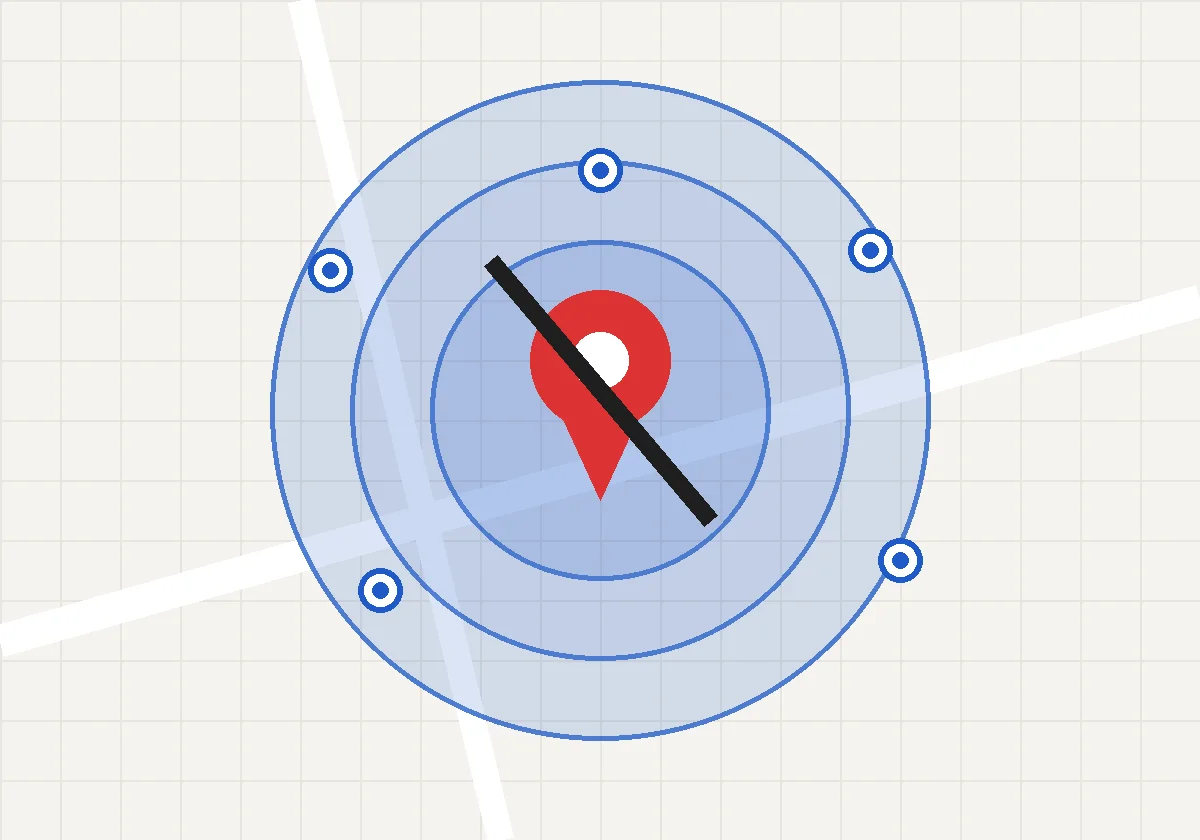
The area is defined by cities, postal codes or areas where you work.
You can add up to 20.
And Google recommends creating a single profile for the metropolitan area where you provide the service.
What a service-area business is on Google and which one you are
Local service business or hybrid business: the two categories Google uses
Google distinguishes two cases in its help for service businesses.
A local service business visits customers or delivers to them, but does not serve them at its address.
Google’s example is a plumbing company or a pet walker.
A hybrid business serves customers at its address and also visits them.
Imagine a garage that repairs cars on its premises.
And also goes out to roadside breakdowns.
Ask yourself one thing.
Do my customers come to my door?
If the answer is no, you are a local service business.
If it is yes and you also go out, you are a hybrid.
Why it matters that your listing tells the truth about where you serve
The listing is the first thing a new customer sees.
If it says you are on a street and that street is your home, you have a privacy problem.
If it says you have a shop and you don’t, you have a trust problem.
And if the customer turns up and nobody is there, you have lost them.
How to hide your address on your Google listing step by step
Where the switch to show or hide the address is
According to Google’s help, the path changes a little depending on where you do it.
In Google Search: open your profile, tap Edit profile and go to Location.
In Google Maps: open your profile, tap Edit profile, go to Business information and then to Location.
There, next to Storefront, tap the edit icon.
And switch “Show business address to customers” on or off.
Careful.
Menu names can change.
Google changes them from time to time.
If you don’t see them as written, look for the same thing under another name.
What happens if you hide the address and don’t set any area
Here is a detail.
According to Google’s help, if you don’t specify any area, a local area will be chosen by default.
In other words.
Google decides for you.
Don’t leave it like that.
Choose where you work yourself.
How to choose your service areas without overdoing it
Cities, postal codes or areas: how to decide which to use
Google lets you define the area by cities, by postal codes or by areas where you work.
Imagine an electrician from San Vicente del Raspeig.
He works in San Vicente, in Alicante and in San Juan.
He enters those three.
He doesn’t enter half the province just in case.
Up to 20 areas, but with a distance recommendation
According to Google, you can add up to 20 service areas.
And it recommends not listing areas more than two hours’ drive from your business location.
It adds that some businesses may need wider areas.
It is a recommendation.
It is not a law.
But think about it.
If you are not going to go there, don’t list it.
An area you don’t cover only brings calls you can’t take.
Typical mistakes on a home-visit business listing
Creating one listing for every town where you work
It is the temptation.
“If I put a listing in every town, I’ll show up everywhere.”
No.
According to Google’s help, you should create a single profile for the metropolitan area where you provide services.
And it warns that the account may be suspended if it detects several profiles for the same business in that area.
One profile.
Done well.
Leaving your home as the public address
If you work from home and don’t receive customers there, hide the address.
It is your home.
It is not a storefront.
Forgetting the rest of the listing because you’ve already touched the address
Hiding the address is one step.
A listing with the area set properly but no photos, no category and no description is still an empty listing.
Check your Google listing’s category.
Then the description.
And the photos.
Common questions about the Google listing of a home-visit business
Can I have a Google listing without premises?
Yes.
Google’s help has a guide for service businesses that visit their customers.
You do have to hide the address if you have no storefront, and set your areas.
How many service areas can I add?
Up to 20, according to Google’s help.
And the sensible thing is to list only where you really work.
What is the maximum distance I can cover?
Google recommends not listing areas more than two hours’ drive from your location.
It acknowledges that some businesses may need wider areas.
Can I create several listings if I work in several towns?
Better not.
Google asks for a single profile for the metropolitan area where you provide the service and warns that the account may be suspended.
Does hiding the address make me show up earlier on Google?
The help I have read doesn’t say that.
So I won’t promise it.
What it does do is make your listing tell the truth.
What to do this week with your home-visit business listing
Five checks before closing the subject
- Do I serve customers at my address? If not, is it hidden?
- Are my areas the ones I really cover?
- Do I have a single profile for my area?
- Does my category describe what I do?
- Does a new customer understand in five seconds where I work?
Open your listing on your phone.
Look at it as a new customer.
And if you want to do it with a method, there is the two-minute Google audit of your business.
Once the listing is clear, it’s time for trust.
Start with how to ask for Google reviews.
Sources
- Business Profile for service businesses overview, Google Business Profile help, accessed on 10 November 2026. No update date shown.
- Sign up for Business Profile, Google Business Profile help, accessed on 10 November 2026. No update date shown. The Spanish version of the page, which is the one I read, says part of its text may be AI-translated.
Quick summary
- With no storefront, hide the address.
- Define your areas by cities, postal codes or areas.
- Up to 20 areas, and only where you work.
- A single profile per metropolitan area.
- Don’t let Google choose the area for you.
Do that this week.
And then tell me.
Whether the listing finally says what you do.
If you’d like us to look at your listing together, message me on WhatsApp.
Tell me what you do and where you move around.
And I’ll tell you how I’d set it up.
PS: Let’s go.