· Luis Moreno · business · 6 min read
How to improve the ranking of your articles on Google: what we're doing on our own blog
We have articles Google shows on page 4 and others it doesn't even know. This is what we're fixing, step by step, to climb without tricks.
Look.
Writing an article isn’t publishing it on Google.
It’s leaving it in a drawer.
And waiting for someone to open the drawer.
We’ve been writing for weeks.
An article almost every day.
And recently we opened Search Console to see what was happening.
Search Console is the free dashboard where Google tells you how it sees your website.
What we saw wasn’t pretty.
So here’s what we found.
And what we’re doing to fix it.
No tricks.
Promising you nothing.
(A note: our blog is in Spanish, so the searches and rankings below are for Spanish-language queries. The method is the same in any language.)
Short answer: how do you improve an article’s ranking on Google?
First, make sure Google knows the article exists. Then give it what the person typing that search is looking for: a title with their words, a better answer than the rest and links from your other articles.
And then, measure and wait.
There’s no button.
What we found when looking at our blog in Search Console
Articles Google didn’t even know existed
We looked at several of the latest articles, one by one.
With the URL inspection tool.
And the answer was the same for all of them.
“URL is not on Google”.
Published.
Well written.
And to Google, invisible.
Like opening a shop and not putting the address anywhere.
An article that shows up a lot and is never read
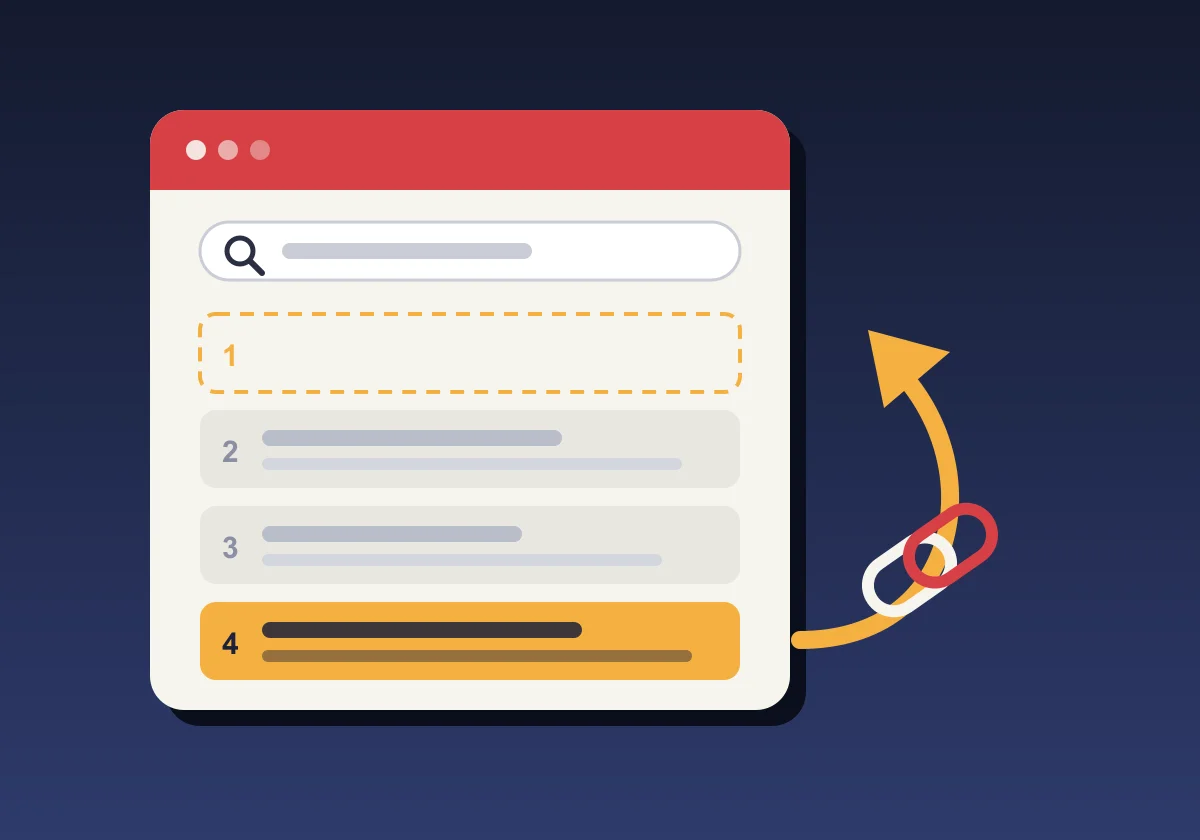
Our real estate marketing guide accounts for more than 70% of the times Google shows our blog.
And in a month, those appearances have grown 500%.
But on page 4.
And nobody goes to page 4.
The worst part?
No other article on our blog linked to it.
It was the one with the most potential.
And we had it isolated.
Old articles that almost reach the first page
A 2024 article about WhatsApp chatbots appears at the bottom of the first page for “bot de WhatsApp para empresas”.
Almost at the top.
And we hadn’t touched it since it was published.
It’s like having a flat almost sold.
And stopping showing it.
Step 1. Make Google aware the articles exist
What a sitemap is and why having one isn’t enough
The sitemap is the list of your website’s pages that you give to Google.
Ours had been submitted.
But Google had read it days ago.
And the new articles weren’t in it.
So we do two things:
- Resubmit the sitemap in Search Console.
- Request indexing of each new article, by hand.
It’s boring.
It’s five minutes per article.
And it’s the difference between existing or not.
Why internal links lead Google to your new articles
Google discovers pages by following links.
If a new article has no link leading to it, Google takes longer to find it.
So every new article will be linked from others Google already knows.
Step 2. Connect the articles to each other
Why an article without links is an orphan article
A blog without internal links is a library without an index.
The books are there.
Nobody finds them.
We counted the links to each article.
Seven weren’t receiving a single one from the rest of the blog.
Among them, the guide that appears most on Google.
Which links we’re going to add
- The articles about winning property listings, towards the real estate marketing guide.
- The WhatsApp Business one, towards the chatbot one. And the other way round.
- Those on the Google listing, all connected with the listing guide.
- Those on reviews, connected to each other.
No stuffing in links for the sake of it.
Only where the reader benefits from the next step.
Step 3. Titles with the words people really type
How to find out what people type to reach your article
Search Console tells you which searches you appear for.
Not the ones you think.
The real ones.
Our real estate marketing guide appears a lot for “marketing para agencias inmobiliarias”.
And for “marketing para promotoras inmobiliarias”.
We didn’t even touch on developers in the article.
So we added a section for developers.
And adjusted the title to what people search for.
Why stuffing the keyword in ten times isn’t enough
That worked in 2010.
Now Google reads the whole article.
If you put “developers” in the title and then don’t talk about developers, you drop.
The word has to be there.
And so does the answer.
Step 4. Give what the ones at the top give
What the top results have that ours don’t
We searched our topics on Google.
And looked at what those that come first offer.
We found three things that repeat:
- Lists you can use straight away: ideas, steps, mistakes.
- Templates to copy and paste.
- Images inside the article, not only the cover.
Our article on negative reviews explains how to respond.
But it doesn’t have a single ready-to-copy reply.
The ones at the top have twenty.
Who do you think wins?
What we’re going to add
- Reply templates in the negative reviews article.
- Concrete content ideas in the Instagram for estate agents one.
- Real photos in the articles that appear most.
- A frequently asked questions section where it’s missing.
Step 5. Update old articles instead of forgetting them
Why a two-year-old article can be your best opportunity
An old article already has something a new one doesn’t.
History on Google.
If it already appears on page 1 or 2, improving it costs far less than writing a new one.
So the chatbot one gets updated.
With what has changed since 2024.
With a clearer title.
And with the update date in view.
What updating is not
Changing the date and that’s it.
That isn’t updating.
It’s lying with a calendar.
Step 6. Measure and wait
This isn’t immediate.
Google takes time to come back round to each article.
Weeks, sometimes.
So we note how each article stands today.
Position, impressions and clicks.
And we look again in a month.
If it rises, we continue.
If it doesn’t, we look again.
Without promising rankings.
Nobody can promise you the first page.
Whoever promises it is selling you hot air.
Frequently asked questions
How long does Google take to index a new article?
It depends on the site. On a small site with few links, it can take days or weeks. Requesting indexing in Search Console and linking the article from others already indexed helps Google find it sooner, but Google decides when and whether it indexes it.
Do I need to pay for a tool to do this?
No. Search Console is free and gives you the essentials: which searches bring you traffic, what position you appear in and whether Google knows each page. Paid tools help you go faster, but for a small blog they aren’t the first step.
Is it better to write new articles or improve the ones I already have?
If you have articles that already appear on page 1 or 2, improving them usually gives results sooner. New ones start from zero. Ideally you combine both, but without abandoning what already half works.
How often should articles be reviewed?
Once a month is enough for a small blog. Look at which articles have risen, which have fallen and which new searches appear. With that you know what to touch.
Quick summary
- Check that Google knows your articles.
- Link each article from others that already work.
- Use in the title the words people really search for.
- Give what those at the top give: lists, templates and images.
- Improve old articles that almost make it.
- Measure, wait and look again.
It’s what we’re doing.
Right now.
In a month we’ll tell you how it went.
If you want to know how Google sees your website, start with the 2-minute audit of your business on Google.
And if you’d rather we looked at it together, message me on WhatsApp.
Tell me what business you have and whether you have a blog.
And I’ll tell you where I’d start.
PS: Let’s go.