· Luis Moreno · business · 5 min read
WhatsApp Business for your local business: what to set up first
WhatsApp Business for local businesses: what to set up first (profile, greeting, away message, quick replies and QR) so you don't lose customers by not replying.
Look.
Most businesses don’t lose customers on price.
They lose them to silence.
Someone writes on a Saturday afternoon.
“Do you give quotes?”
Nobody replies.
By Monday they’ve already spoken to someone else.
And you never find out.
Careful.
You don’t need an expensive tool.
You need to organise the WhatsApp you already use.
So here’s what to set up first in WhatsApp Business.
And what not to do.
WhatsApp Business for local businesses, in short
WhatsApp Business is the WhatsApp app designed for small companies.
It adds a business profile, greeting message, away message, quick replies, labels and a catalogue.
For a local business, the first thing is the profile with your opening hours.
Then the greeting and four or five quick replies.
And a link or a QR code so people can message you with one tap.
The rest, when you need it.
Now, calmly.
What is WhatsApp Business and how does it differ from regular WhatsApp?
What an app designed for businesses gives you that regular WhatsApp doesn’t
According to the WhatsApp Business website itself, the app includes:
- A business profile with logo, description, opening hours and website.
- A greeting message for anyone writing to you for the first time.
- An away message outside opening hours.
- Quick replies for what you’re always asked.
- Labels to organise conversations.
- A catalogue of products or services.
That’s all.
No magic.
Order.
(Source: WhatsApp Business features page, accessed on 3 November 2026.)
Why mixing customers, family and the padel group on the same number costs you orders
Think of a shoebox.
Inside, invoices.
Holiday photos.
Bank receipts.
And the quote you’re looking for.
You find it.
But it takes time.
And the customer doesn’t wait.
A mixed-up WhatsApp is that box.
A business one is a filing cabinet with tabs.
Step 1. Fill in the business profile
What to put so it looks like a business and not a loose number
Four things.
- Your business name, the same as on Google.
- A one-line description. What you do and where.
- The real opening hours.
- Your website.
Real.
If you close at 6 pm, put 6 pm.
No “always available”.
That ends up costing you.
And check it’s the same name and the same hours as your Google listing.
If not, your customer hesitates.
And when they hesitate, they don’t write.
If you don’t know who manages your listing, check here.
Step 2. Greeting, away message and quick replies
Greeting message: one line saying you’ve seen the message
Short.
With your name.
With when you’ll reply.
Something like this.
“Hello, I’m [name] from [business]. I’ll reply as soon as I can, normally the same working day.”
Normally.
Don’t promise what you won’t deliver.
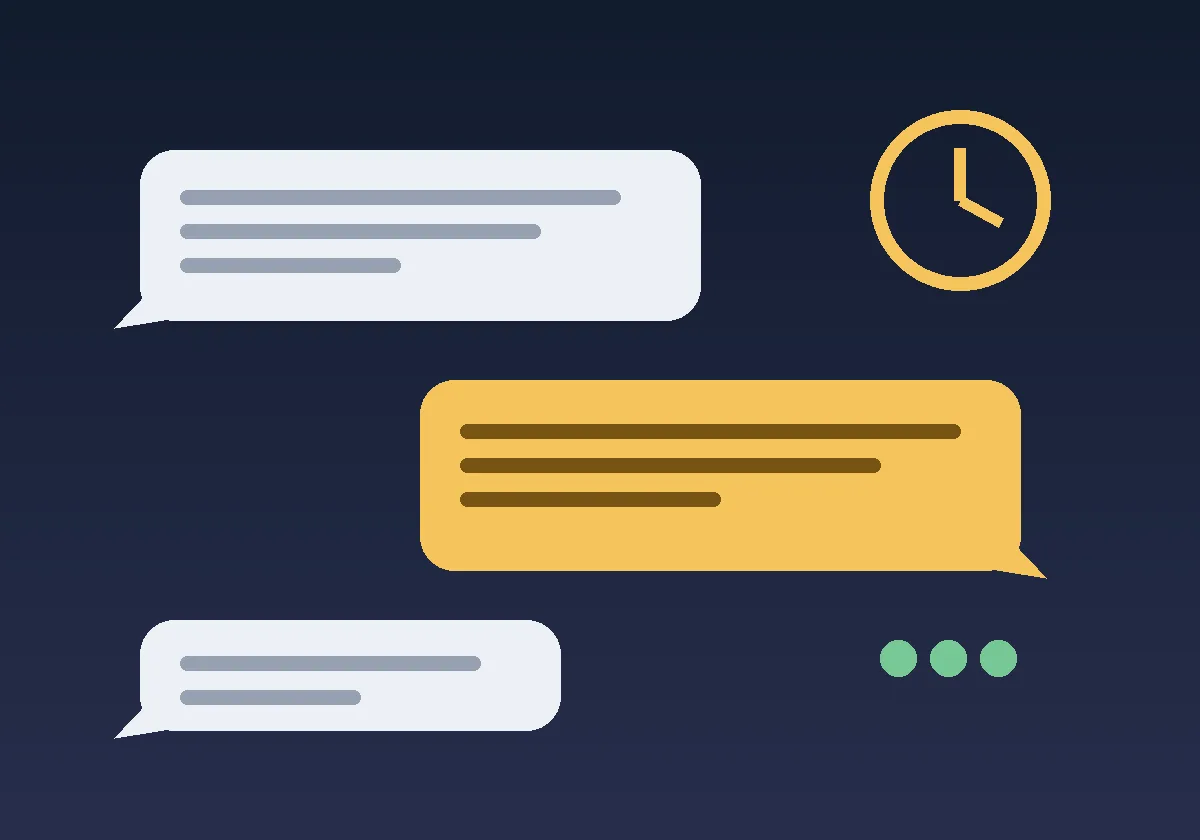
Away message: when you’re not there, let the customer know
Saturday at 10 pm.
Someone writes to you.
Without an away message, they see silence.
With one, they see this.
“We’re closed now. We open on Monday at [time]. Leave us your message and we’ll reply.”
And they relax.
That.
Quick replies: the five questions you already answer every week
Think about what you’re always asked.
- Where are you?
- What are your opening hours?
- How do I book an appointment or ask for a quote?
- How long does it take?
- How do I pay?
Write each answer once.
Save it as a quick reply.
And use it with one tap.
Without prices you haven’t confirmed.
If the price changes, change it at once.
Imagine a hairdresser’s gets “have you got a slot on Saturday?” ten times a week. A quick reply with how to book and the opening hours takes that conversation off their plate.
Step 3. Labels so nobody gets lost
How to use labels to know whom you owe a reply
Three are enough.
- New.
- Quote sent.
- Customer.
Each conversation, one label.
And every morning, you look at the “Quote sent” ones.
There’s your money.
Waiting for someone to follow it up.
Step 4. A link or a QR code so people can message you with one tap
Where to put it: Google listing, Instagram, business card and door
According to WhatsApp, among the free ways for a customer to message you are direct links and QR codes.
Put it where people see you.
- On your Google listing.
- In your Instagram bio.
- On your business card.
- On the door of your premises.
And that’s it.
If you wonder what to post on Instagram for local businesses, there’s this.
What not to do with WhatsApp in your business
Writing to people who haven’t written to you
A contact list.
One message for everyone.
“Offer today only.”
No.
That’s spam under another name.
Replying with a robot without saying so
If you use automatic replies, make it clear they’re automatic.
And that a person replies afterwards.
A customer talking to a wall leaves.
Common questions
Can I use WhatsApp Business with my usual number?
My advice: use a number just for the business.
That way you don’t mix chats.
What do I put in the away message?
When you open and what to do in the meantime.
Two sentences.
No long apologies.
How many quick replies do I need?
Five to start with.
The ones you already answer every week.
If you have to think them up, they’re not quick.
And if what you need is for someone to reply for you.
That’s no longer the app.
It’s a chatbot.
I explain the difference in WhatsApp chatbot for business.
Sources
- WhatsApp Business features (in Spanish), accessed on 3 November 2026. The page shows no visible update date.
Quick summary
- A profile with your real opening hours.
- A short greeting.
- An away message.
- Five quick replies.
- Three labels.
- A link or QR code where people see you.
- No writing to people who haven’t written to you.
Do that for a week.
And then tell me.
How many conversations you’ve lost.
If you’d like us to review it together, message me on WhatsApp.
Tell me what business you have and how you reply today.
And I’ll tell you what I’d change first.
PS: Let’s go.