· Luis Moreno · business · 5 min read
Who owns your website, your domain and your Google listing? Check in 10 minutes
Three ten-minute checks to find out whether your website, your domain and your Google listing are in your name, before changing supplier becomes a problem.
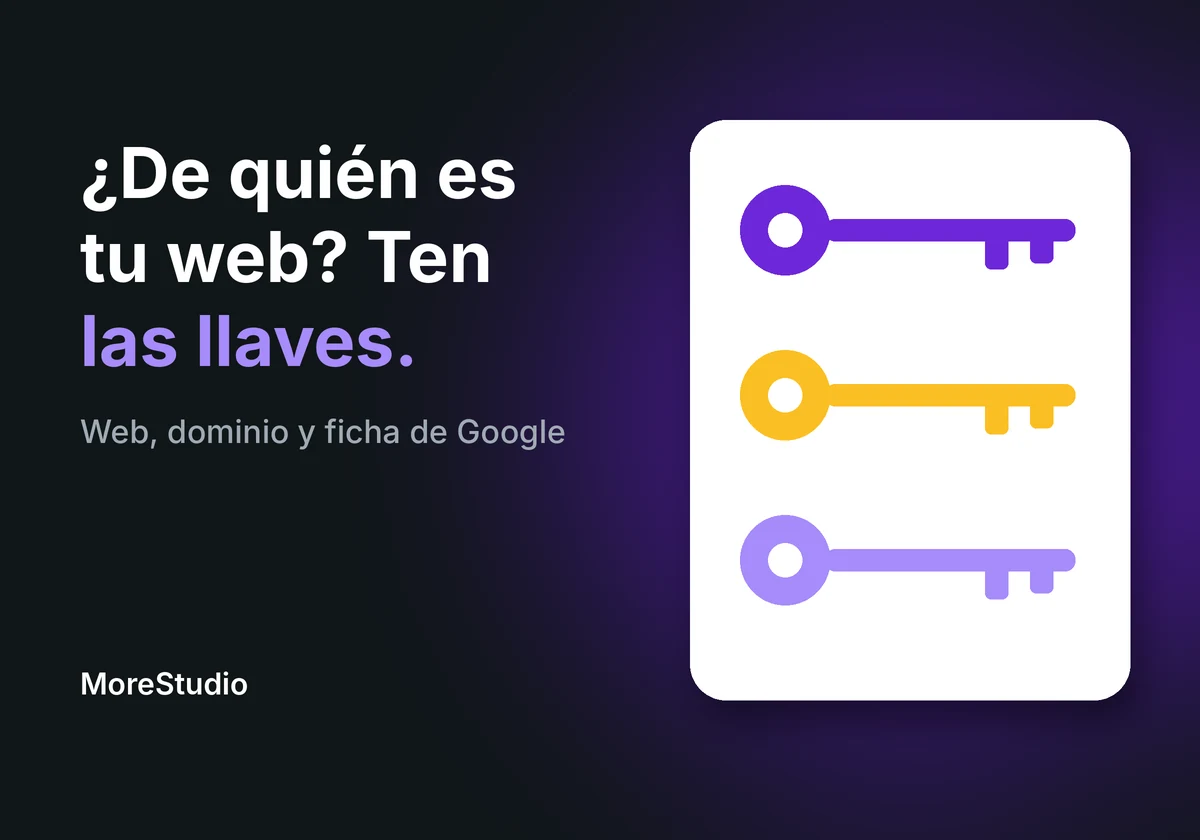
Look.
Most business owners don’t know who owns their website.
Or their domain.
Or their Google listing.
They pay.
It works.
And they don’t ask.
Until the day they want to change supplier.
And discover someone else holds the keys.
So today I’m not going to talk about marketing.
I’m going to give you three checks.
Ten minutes.
And you’ll know whether your business is yours on the internet.
Short answer: how do I know whether my website, my domain and my Google listing are mine?
They are if your email appears as the owner in all three.
On the Google listing, as primary owner.
On the domain, as the registrant and with access to the panel where it’s renewed.
On the website, with administrator access.
If any of them shows your supplier.
It’s no big deal.
But today is the day to ask for it to be changed.
Why this matters more than your logo
The day you change supplier and discover you don’t have the keys
Think of the premises where you work.
Imagine someone set it up for you.
Left you the door open.
And kept the key.
While all is well, nobody notices.
But one day you want to change the lock.
And you can’t.
The internet is the same.
The website, the domain and the Google listing are your premises.
And they’re not always in your name.
Why nobody checks until something fails
Because it works.
And what works isn’t touched.
Also, asking feels awkward.
“If I ask, it looks like I don’t trust them.”
Careful.
It isn’t distrust.
It’s the same as asking for a copy of your own house keys.
You ask once.
And you’re at peace forever.
Key 1. Your Google listing
How to know whether you’re the primary owner
It’s the one that matters most.
Because it’s the first thing seen by anyone searching for you.
Go into your Business Profile with your account.
Open the “Menu”.
Go into the Business Profile settings.
And look for “People and access”.
That shows who is owner.
And who is manager.
If your email isn’t there.
Or you’re listed as manager and the primary owner is someone else.
You now know something important.
If Google changes the menus, the name “People and access” is what you need to look for.
What happens to your reviews if the listing changes hands
Reviews belong to the profile.
Not to whoever manages it.
According to Google, to change owner you have to transfer primary ownership.
That way the business information is kept.
Reviews included.
Don’t create a new listing to “fix it”.
You’d start without your reviews.
And the old one would stay there.
With your name.
And if what you want is for that listing to have more reviews, here’s how to ask for Google reviews without tricks.
The 7 days worth knowing about
When primary ownership is transferred, Google sets a waiting period.
According to Google’s help, a new owner or manager needs 7 days before being able to manage all features.
During that time they can’t, for example, remove other users or hand primary ownership to someone else.
So don’t leave it to the last day.
If you’re going to change supplier.
Do it beforehand.
Key 2. Your domain
How to check whose name it’s in
The domain is your address.
morestudio.es, yourbusiness.com, whatever it is.
There are two questions.
Who bought it?
Whose name is it in?
If your supplier bought it with their details.
The domain is theirs.
Even if you pay for it every year.
Look at your invoice.
Look at the renewal email.
And ask one simple thing.
“With which registrar is my domain and under which user?”
If they can’t tell you, you already have the first clue.
What to ask for and from whom
Ask for the registrant details.
Ask for access to the panel where it’s renewed.
And ask for it to be in your name.
With your email.
Not anyone else’s.
If they give it to you without a problem.
Perfect.
If they come up with a thousand excuses.
They’ve already answered you.
Key 3. The website and the rest of the accounts
Which accesses the owner should always have
There are things that are always yours.
- Access to the website.
- The domain email.
- The social media accounts.
- The ads account.
- The backups.
You don’t need to touch them.
You need to be able to.
How to ask for them without making a drama
Three lines.
“Hello. I’m tidying up my accounts.
Could you tell me whose name the website, the domain and the Google listing are in?
And note my email as the owner.”
That’s it.
Without accusing anybody.
A serious person gives it to you in a day.
Common questions
What if a trusted person has been looking after it for years?
Even better.
Then it will be easy.
Ask them.
Trust isn’t at odds with having your own keys.
Do I have to change supplier to have control?
No.
You can stay with whoever you work with.
You just need to be the one listed as owner.
What if I don’t even know who set it up?
Start with the Google listing.
It’s the quickest to look at.
Then your domain invoice.
And pull the thread from there.
Quick summary
Three keys.
Your Google listing.
Your domain.
Your website and your accounts.
Check all three.
Today.
If any isn’t yours, put it in your name.
And if you don’t know where to start.
Tell me the name of your business.
I’ll review your three keys.
I’ll tell you whose each one is and what needs changing.
It costs €120 plus VAT.
Sources
- Google Business Profile help on users and profile ownership: https://support.google.com/business/answer/3415281?hl=en (accessed 02/11/2026).
PS: Let’s go.